
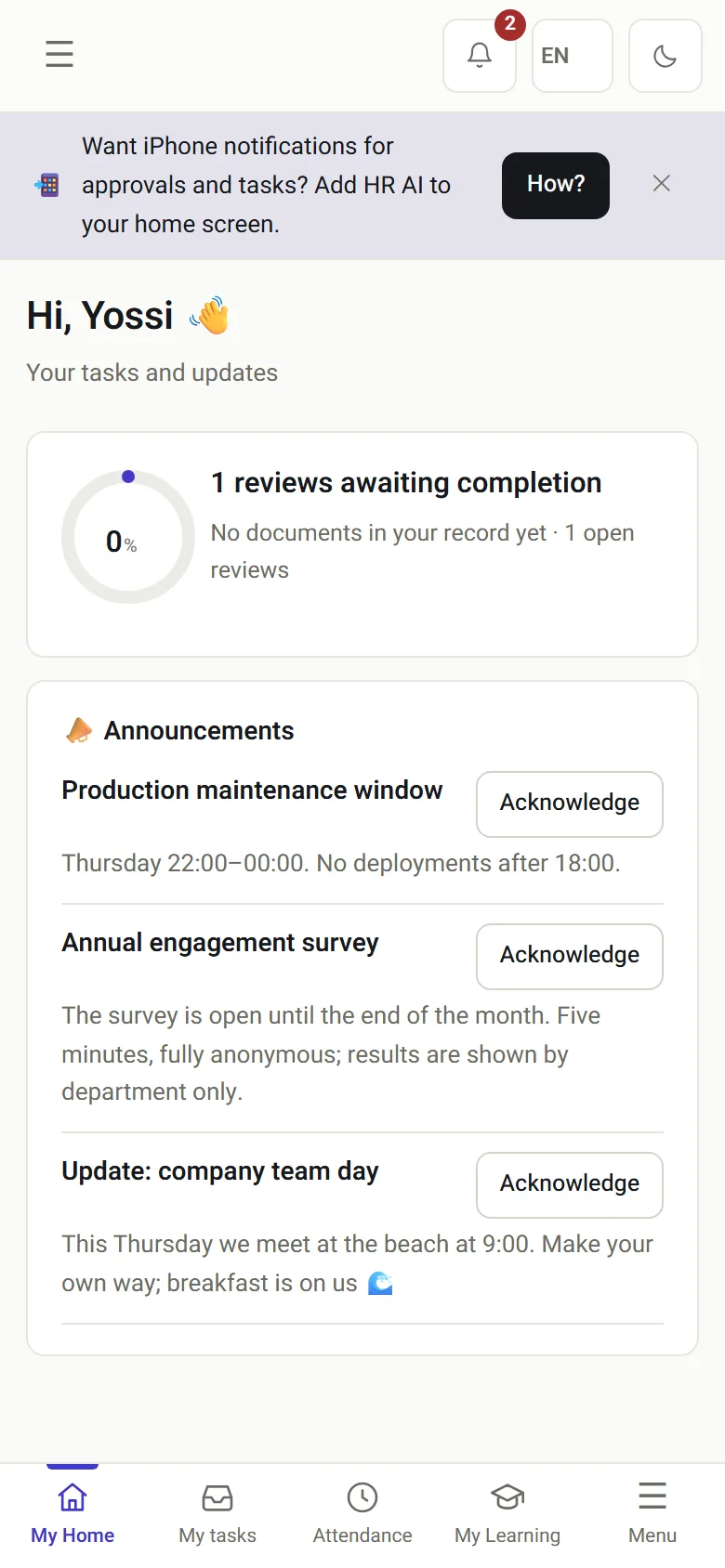
Equipment and assets
Laptop, phone and access card are recorded on assignment, and their return is requested automatically when employment ends.

HR management system · The document record
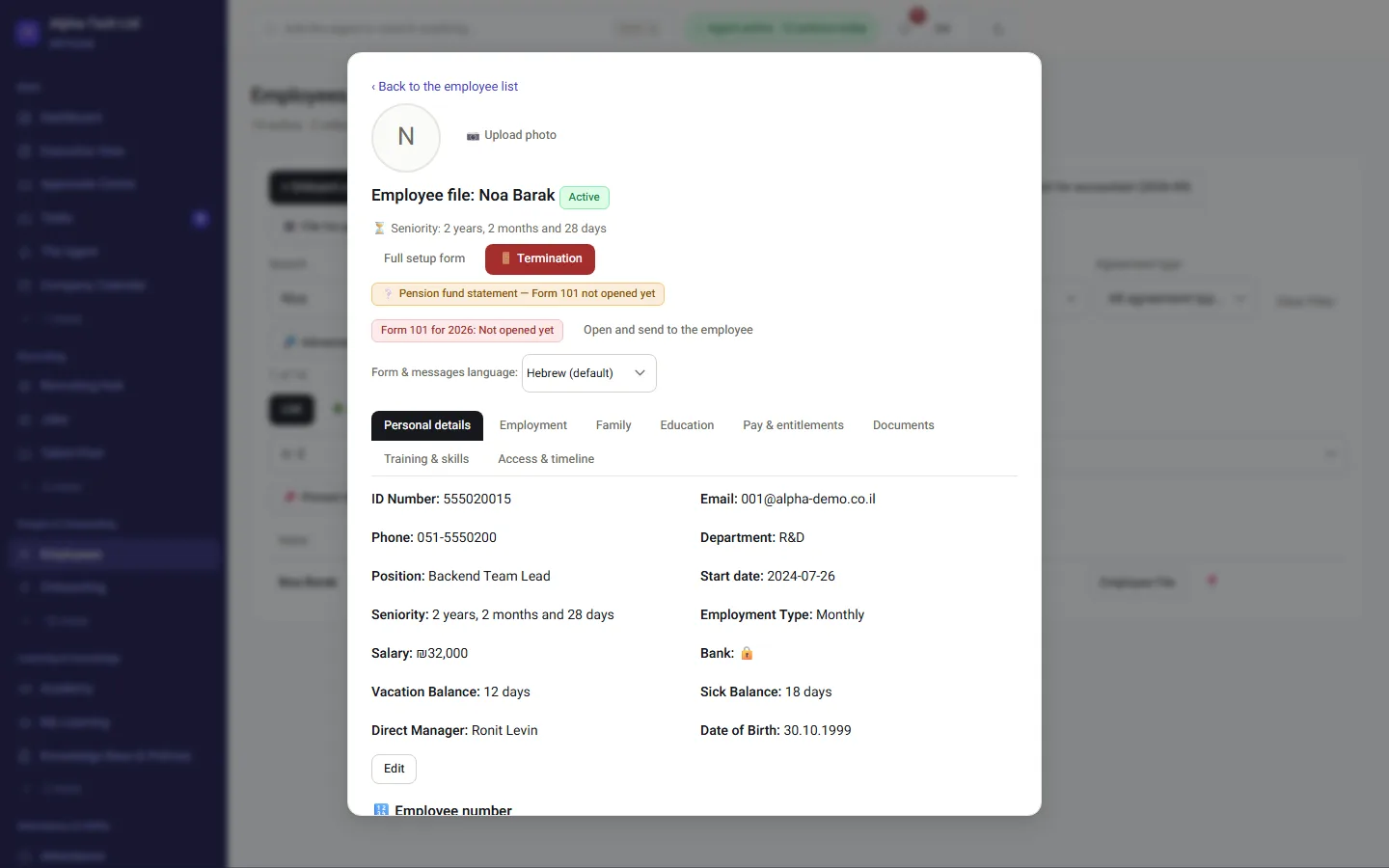
HR software can collect documents. The questions people ask a year later are different: who signed, exactly what, and who approved it after reading it. In HRAI every send, open, identity check, signature and approval is a step in one record, chained with SHA-256 hashes, so the answer is in the file.
Last reviewed
Definition
A document record is the full, ordered history of an HR document: when it was sent, opened, verified, signed and approved, and by whom. In HRAI each step carries a SHA-256 hash derived from the step before it, so an integrity check can show the record is exactly as it was created, or where it changed.
Names, times and hashes are illustrative. The structure is what the system records.
The value
An HR system is measured on the day data goes in, and proves itself on the day you ask it to bring the data back out.
An employee asks to see the salary appendix they signed. An auditor asks who approved 40 hours that were entered manually. An accountant wants to know why a vacation balance changed in March. In all three cases the answer comes out of the file in seconds, with the date, the identity and the context, instead of a search through a shared folder and mailboxes.
What is inside
Three of them have a beginning and an end: a role closes, an employee leaves, a day ends. The fourth does not. It carries on after all the others have finished, and that is its job.
The structure
Every area writes to the same record, so the payroll report, the personal calendar and the management board always show the same picture. A module that is not in your package is fully closed: the screen is not in the menu, and the server route refuses even a direct address.
The line
When the shift roster, attendance and payroll sit in the same system, each step feeds the next. This is how it looks end to end:
The engine schedules by availability, 8 hours of rest between shifts, a 42-hour weekly ceiling and night shifts: the Hours of Work and Rest Law is built into the engine.
The system knows which days had a shift and which did not, so it asks only when there is something to ask. Shifts also reach the personal calendar on the phone.
The published roster is the reference pointA shift that started without a punch produces a question to the employee and an alert to the manager, the same day rather than at month end.
Base, 125% and 150% overtime, rest-day rate and night shifts, calculated by one engine, including shifts that cross midnight.
Hours approved under Amendment 24 enter the report, and hours waiting for approval appear in a separate column so everyone sees what is left.
✓ on a number: a gate, where the next step waits for a person’s approval
The principle
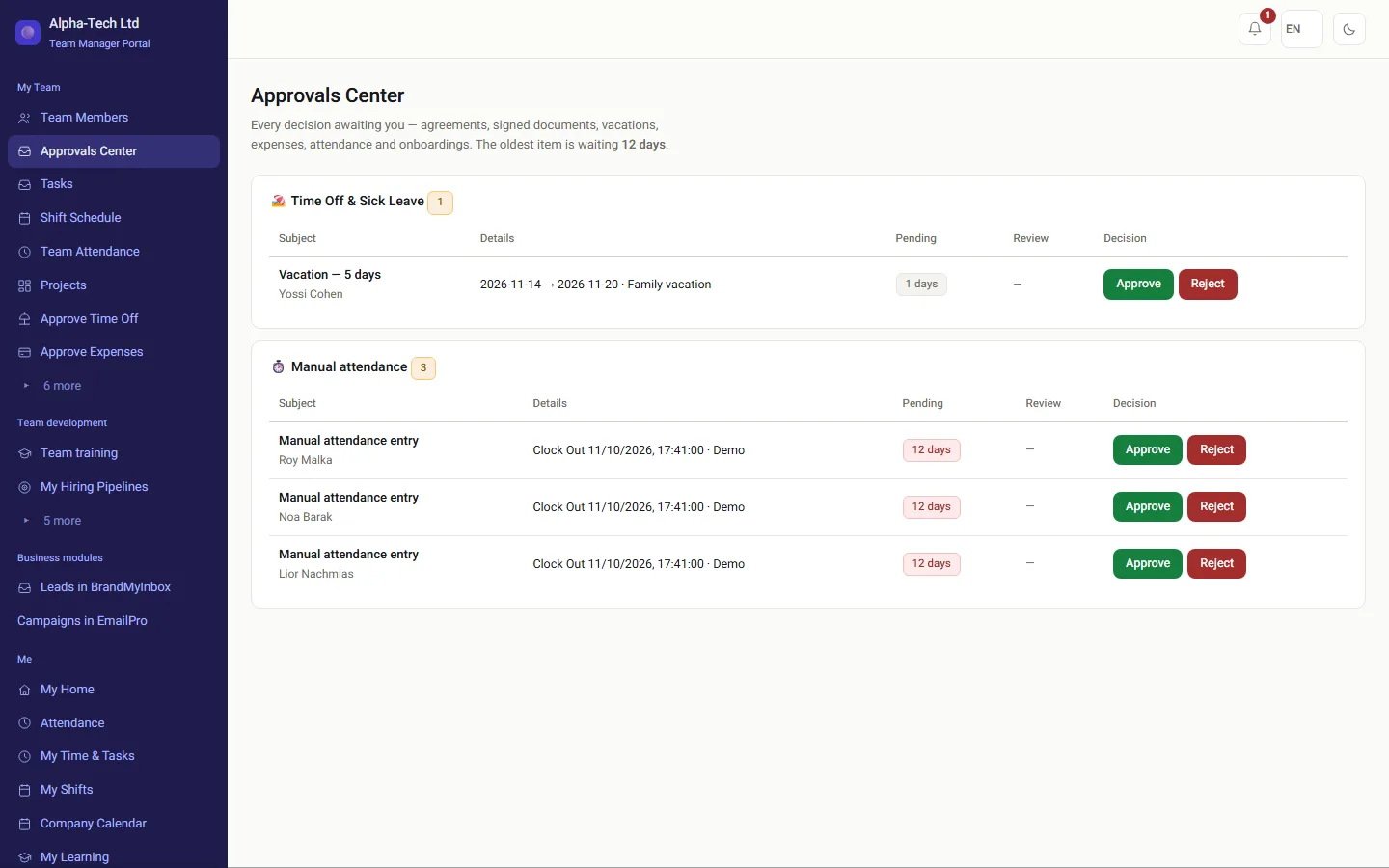
This is system behavior, not a slogan. The approve button on a signed document opens after a review has been opened, and the review is recorded in the document record next to the approver's identity. So every approval in the system is an approval by someone who read it.
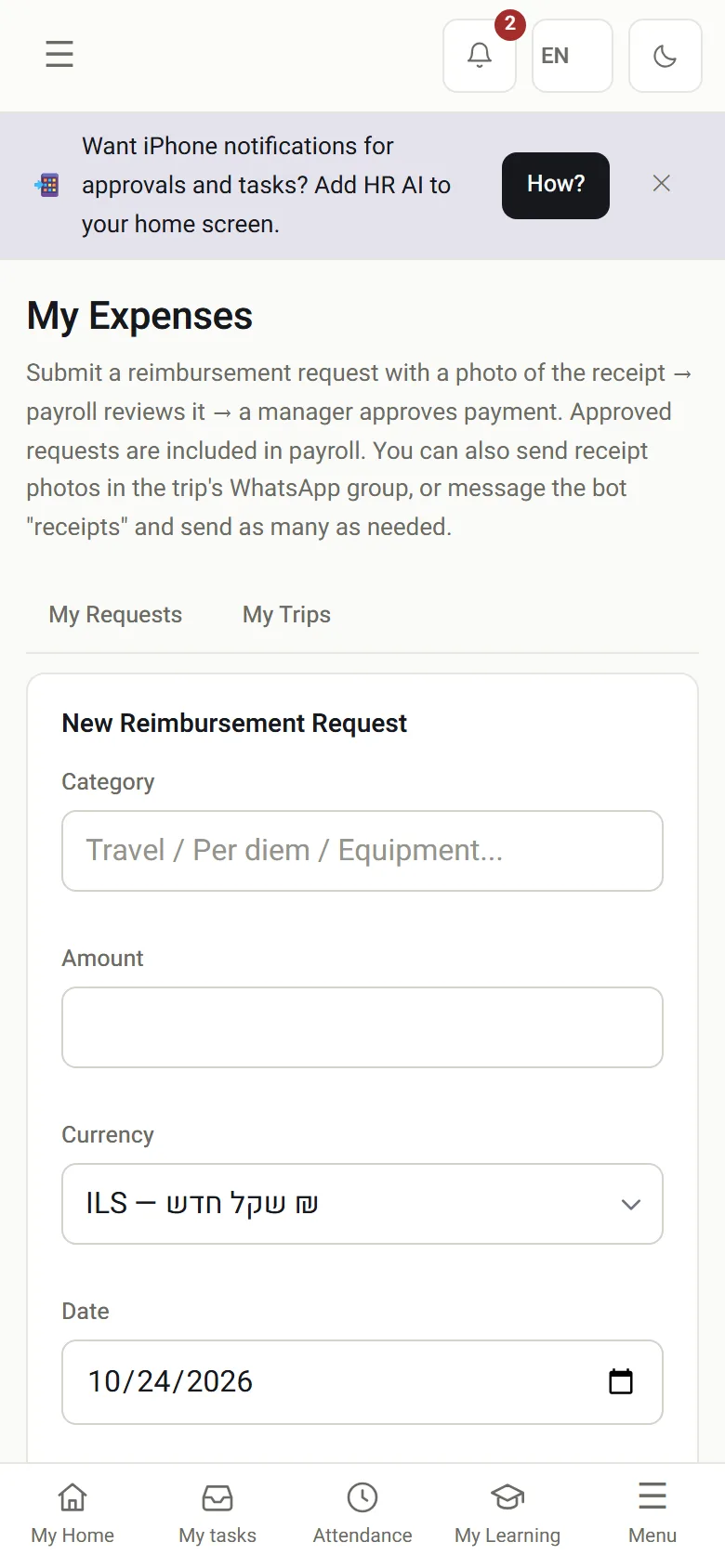
Expense reporting is where processes go to die. So the employee does not fill in a form: they send a photo on WhatsApp, the bot asks for the amount and category, and the request goes to a two-step approval with the receipt attached.
And around it
Laptop, phone and access card are recorded on assignment, and their return is requested automatically when employment ends.
A procedure that requires acknowledgement goes to the whole company or a department, with tracking of who read and who confirmed.
Review cycles with a questionnaire, employee and manager answers, and tracking of who has not finished.
Built automatically from the direct manager field in the employee files. No slide deck that goes stale.
Holidays, leave and wellbeing events, and your own shifts as timed events, in a feed that syncs to Google Calendar and Outlook.
Automatic backup to the organization's Google Drive, a folder per employee, at the frequency you choose.
Sources
Sources checked on . This page describes how the product records documents. It is not legal advice.
Frequently asked
Every action on a document, such as sending, opening, identity verification, signing and approval, is recorded as a step that carries a SHA-256 hash derived from the step before it. That sequence is what lets you see at any moment who signed, what and when, and an integrity check shows immediately that the record was kept as it was created.
The system distinguishes between attendance recorded live and a manual entry made afterwards. A manual entry is routed for approval by a second person, always someone who is neither the person who created it nor the employee, at any permission level, and hours not yet approved are not counted in the monthly payroll report.
In the cloud on dedicated infrastructure, or on your own server in a full on-premises installation with Docker. In both, separation between companies is enforced at the database layer with Row Level Security as well as in the application code.
Setting up the company and importing existing employees from a file is a day's work. From then on every document that is sent, opened and signed goes into the employee's file by itself, and the starter document kit is created automatically with the company.
Yes. Files can be exported at any time, including the signed documents and the full record of each one. There is no technical lock-in and no waiting period. The history stays with your company, not with the vendor, whether you move to another system or keep paper copies.
The agent works at an autonomy level you set for each company: suggest only, carry out only safe and reversible actions, or also approve within policy. Every action it takes is recorded in the feed and the audit log, and sensitive actions, such as changing bank details, always go to a person for approval.
Every step of the process stays in the file: the confidential consultation with HR, the protected-groups check, the alternatives considered, the hearing and the reasoned written decision, with the date and who carried out each step. Years later, the question of what was done and when is answered from the file rather than from memory.
Get started
Leave your details and we will get back to you within one business day to set a time for a 30-minute demo on your own processes. If it turns out not to be a fit, we will say so.
About the details you share. Data controller: Career and Content ltd (operator of HR AI), company no. 515523934, [email protected]. You are not legally required to provide them; without a name and email we cannot get back to you, and that is the only consequence. The information is used to respond to your inquiry, kept for up to 24 months, and shared only with our email provider and our sales team. You may review, correct or delete it at any time at the same address — Privacy Policy (Hebrew), English summary.
Essential cookies run the site and cannot be switched off. Everything else is your choice, and you can change it whenever you like. Cookie policy (Hebrew), English summary.